

Start the Game
Don’t think, Just do!
Pick one or do both!
- Make a list of the digital tools you use every day
- Download the Rescue your Digital Office game board
Do you Need to Rescue your Digital Office?
Let’s list your tools
The first thing you need to do before you can improve anything (including your digital office) is to identify what you are working with. What is working, and what is not working. We will decide where to start once we know what is getting in the way.
Simple Setup for this Game Challenge
Make a list of your Digital Tools
- Choose a tool for your list (You can COPY THIS SPREADSHEET)
- Start with your browser, which one do you use?
- What is the next thing you open? Is it your email? What platform do you use?
- Keep going as you think of things.
Make a simple list of the things you do over the course of a week
- Use the Activities tab of the spreadsheet.
- Keep it open as you work to add stuff or just use regular paper and pen to write out your list.
Identify the most necessary and troublesome thing
In the Blog post: Do you need to Rescue your Digital Office we will walk through the process of untangling your digital office and talk about where common tangles occur. To make it fun you can download the Rescue your Digital Office game board to help you choose the next challenge to tackle.
Join the Lux Lab and we can work on this together with friends.
When you join the Lux Lab you get to work on your current digital office backend issues while having tech support and group energy available for troubleshooting, brainstorming, and general productivity solutions.
Join the Lux Lab (Group Session)
- Get feedback on that crazy thing your computer is doing.
- Conquer your email inbox
- Organize your digital files
- Untangle your passwords.
- And more Rescue your Digital Office challenges.

View the LUX LAB Schedule
With your registration, you will also receive the regular Tech E-Rescue email dispatch which offers challenges and guidance toward rescuing your digital office.
You can unsubscribe anytime.
Deeper work and Strategy for this Game Challenge
Your digital office system is the combination of the digital tools you use and the processes you follow to achieve your goals. To do a useful evaluation of your systems, you need to consider the things you do and the tools you use.
Once you have captured a basic outline of this information, you can determine if you are doing the right things and if you are using the right tools in the right way. Continuing to evaluate and document your systems will allow you to remain efficient and effective, saving you time, money, and frustration.
To help you with your Digital Office Evaluation, I’ve created a simple Google Sheets workbook for you. The Digital Office Evaluation workbook contains several spreadsheets that will be helpful as you rescue your digital office.
This link should take you to the workbook where you can copy it to your Google Drive, or you can download it to your computer and open it with Excel or another spreadsheet program.
STEP 1: List your Digital Tools
NOTE: Use the Tools spreadsheet of the workbook.

As you sit at your computer, start listing everything you use or open. Your primary computer being the first thing. Don’t worry about getting too detailed here. You can just write “Laptop” or “Computer”.
If you want to put down more details like a MacBook Pro or HP Laptop you certainly can, but don’t let the details slow you down.
Next, notice what browser you use. Which program do you use to read your email? You can also list the social media accounts you check throughout the day.
Keep a notebook next to you, or open a digital note, or download the Digital Office Evaluation Workbook and keep it open as you work.
- What do you use for communication?
- What do you use to organize and manage your data?
- What do you use to help you manage your time?
- What do you use to help you manage your people?
- What else?
STEP 2: Evaluate Your Tools
The tools you use and the tasks you accomplish should be all the things that help you achieve your primary goals. Ask yourself, why you use a particular tool and why you initiate a particular activity.
- What tools do not get used?
- What tools do you use the most?
- How do you feel about your tools? (Tools spreadsheet has a column set up so you can give your tools grades)
These steps are just the beginning of your full system evaluation. This will allow you to know what you are using and why. Once you have the information documented you can look at it and determine what tools or activities can be eliminated and which can be consolidated. You will also be able to see where your gaps are.
What rose to the surface as the most irritating, annoying, or cumbersome? Which tool just does not seem to be worth the cost? What is redundant and unnecessary?
Pick one thing that would improve the way you work with your digital office and tackle it. You will find a list of Rescue my Digital Game challenge activities on the Rescue My Digital Office tab of the workbook or visit the Game page and pick something fun.
Step 3: Repeat
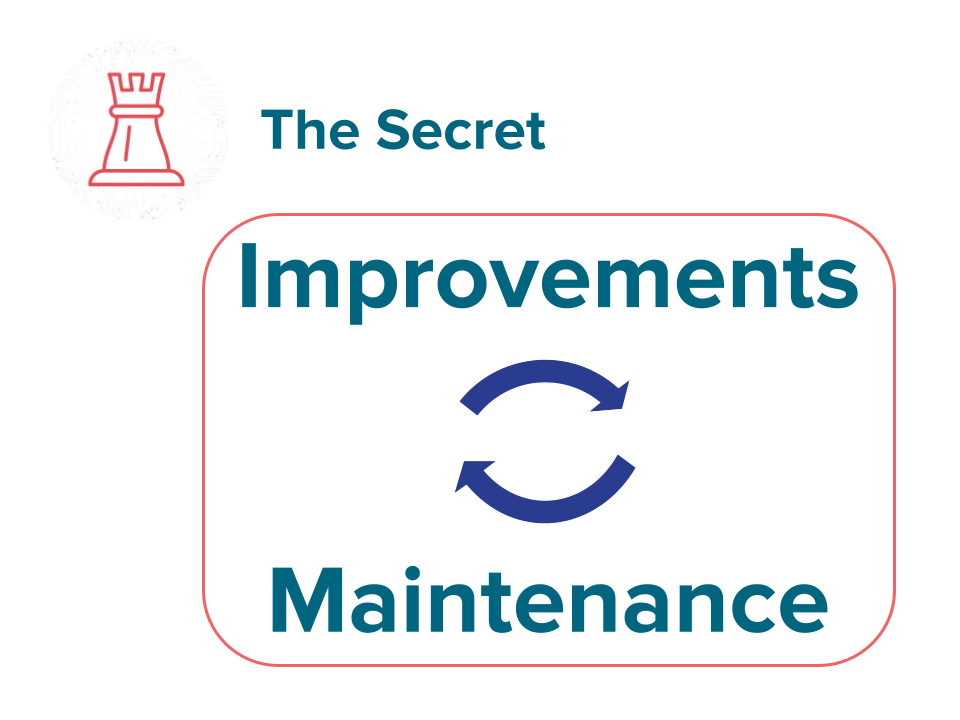
One of the most important secrets to keeping a well-run digital office is to continually maintain it and improve it.
Based on your evaluation, what Game Challenge should you work on next?
Visit the Game page for ideas.

